
Docs Building a scene
Holding items and armour
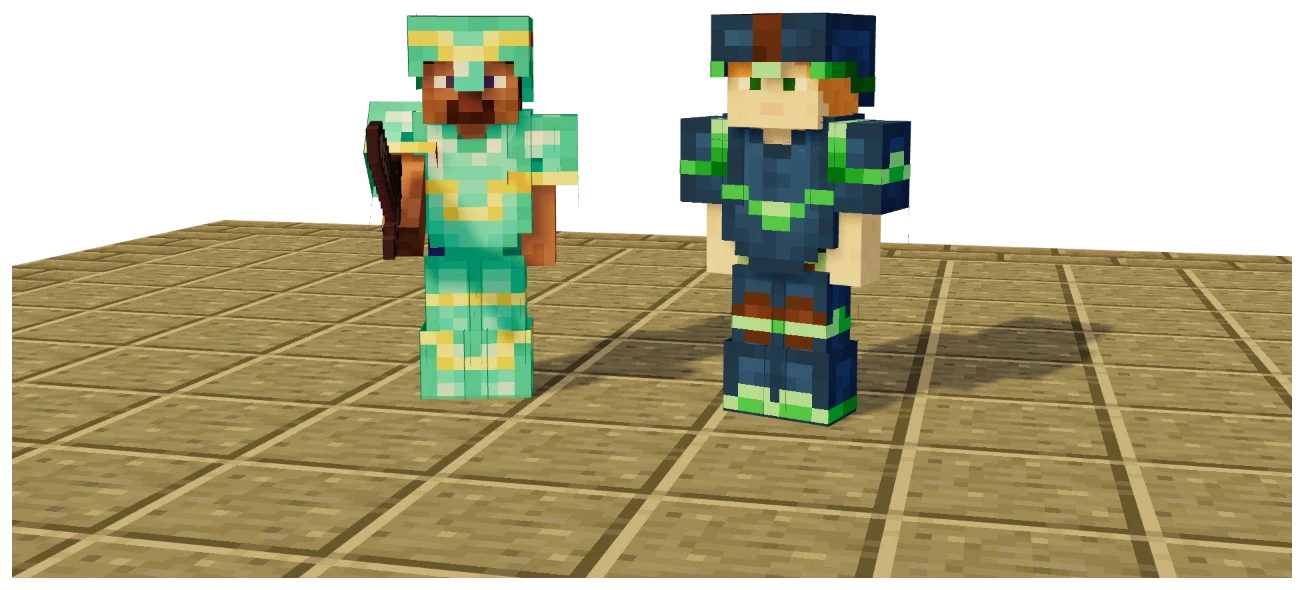
Characters hold things the way they do in the game, and wear the game's real armour, with trims and dyes.
Holding things
Select a player, pick an item or block from Browse Props…, and choose Right Hand or Left Hand. It's gripped just like in the game: swords and tools in the fist, flat items such as food held out, and blocks as small blocks.
Held items move with the arm, so posing the arm brings the item along.
Some items have extra looks: a drawn bow, a loaded crossbow, a raised trident and a blocking shield are separate entries in the picker.
Wearing armour
Pick a helmet, chestplate, leggings or boots and the selected player puts them on. It's the game's own armour, fitted to the character the way the game wears it, and it follows the pose. A chestplate covers the arms too, and a cape sits out over it like in the game.
Elytra
Elytra are in the Armour tab and at the start of the Capes tab. Pick them and the selected player wears them on their back, built the way the game draws them. Like in the game, they replace the cape while worn.
A player who has a cape wears elytra in that cape's design, as the game does. In the Capes tab, click any cape and choose Elytra to wear it that way, or Cape for the cape itself.
Select the elytra to set their Wings: folded, the crouching pose, or spread out for gliding. Each wing is also a part you can pose by hand. They go well with the Elytra Glide pose.
Trims and colours
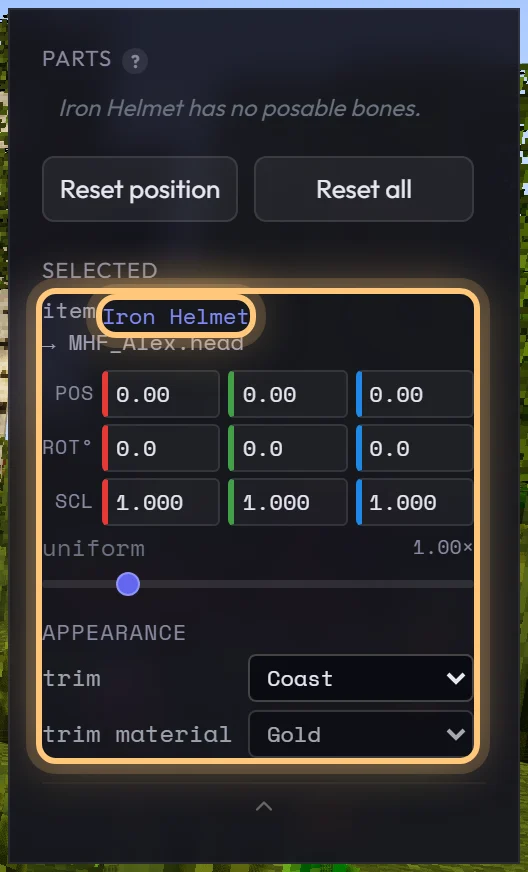
Select a piece of armour to see Appearance in the selection panel:
- Trim: any armour trim pattern in the game.
- Trim material: what the trim is made of, from amethyst to resin.
- Colour (leather armour and other dyeable items): pick any colour, or Default for undyed.
Ready to make something?
Open the Studio